
Precision and visibility are essential for effective continuous improvement. KaiNexus 3.3.2 introduces enhancements to Filters, Sandbox access, and Chart management, giving you more granular control over your workflow. With access to everything you need, you can complete your work with more autonomy and less friction.
KaiNexus' latest release, 3.3.2, is scheduled for Saturday, May 16.
Here are some of our favorite new features and enhancements from this release:
Target Specific Data Points with Enhanced Quick Filters
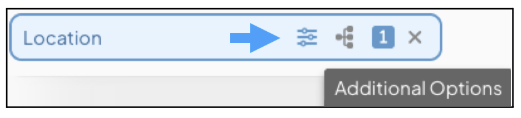
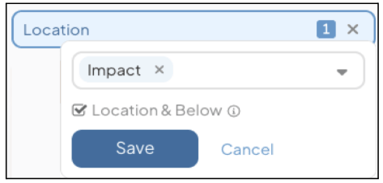
Quick Filters now support secondary criteria, giving you more precise control over the Items you see. This provides deeper customization to suit your specific organizational needs while keeping your most important data just a click away.
Secure API Integrations with Service Accounts and OAuth 2.0
API authentication is now managed through Service Accounts, which support the industry-standard OAuth 2.0 protocol. This update provides robust security enhancements, keeping your continuous improvement ecosystem secure as you scale.
Strengthen Security with Direct Sandbox Access
You can now access the Sandbox environment directly from your User Profile drop-down menu, eliminating the need for separate login credentials. This transition improves security and reduces administrative friction, while a new top-of-screen banner within Sandbox ensures you always know which environment you are in.
Remove Click Friction with Shared Thresholds and Inline Editing on Bowling Charts
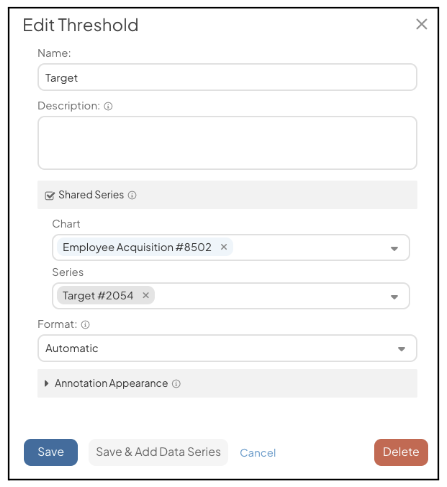
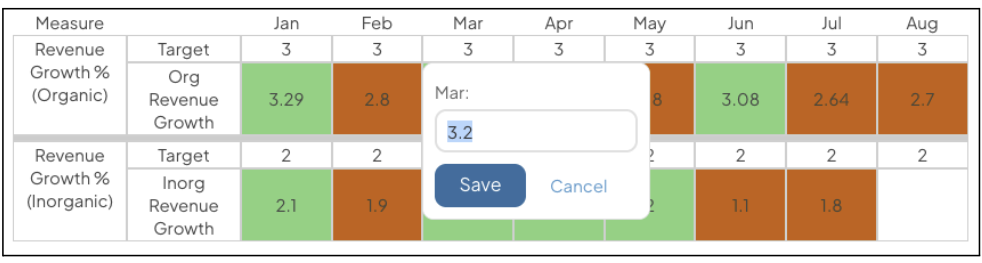
Bowling Charts can now be edited directly from Thumbnails, Cards, and Panels, allowing for quick updates. Additionally, you can share Bowling or Threshold series across multiple Charts, ensuring your goals are managed from a single source.
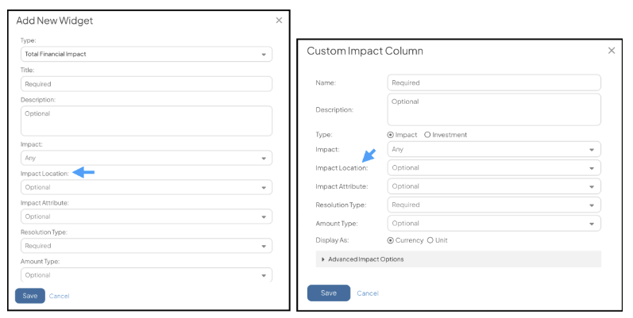
Highlight Financial Performance with Impact Location Visibility
You can now filter Custom Impact Columns and Impact Widgets by specific Impact Locations. This allows you to display location-specific financial data on Boards more easily, so the right information is visible to the right teams.
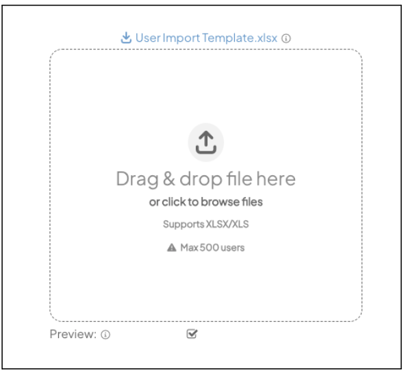
Streamline Administration with Self-Service User Imports
User Managers can now independently perform bulk User updates and imports using XLSX files. This self-service functionality streamlines the onboarding process and simplifies user provisioning.
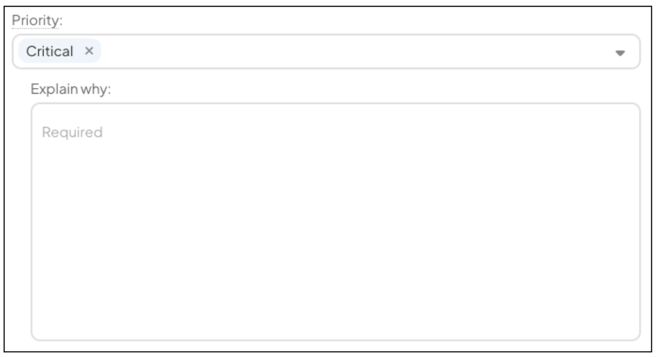
Improve Data Accuracy with Contextual Attribute Notes
You can now customize Attribute Note Labels at the Attribute Value-level to display different prompts based on the selected value. This feature simplifies complex configurations by removing unnecessary fields and providing clear guidance for specific selection justifications.
An overview and complete release notes can be found at support.kainexus.com under "KaiNexus Updates" after the release goes live. In the meantime, if you have any questions or need assistance with configuring these new features, be sure to reach out to your KaiNexus Customer Success Manager.
Thank you to our customers whose feedback made these improvements possible!



.svg)



Add a Comment