
Configuring KaiNexus often meant waiting on a support ticket, building near-duplicate Templates for every Location, or cramming several views onto one crowded Board. KaiNexus 3.3.3 changes that, putting more of those decisions in your hands.
KaiNexus' latest release, 3.3.3, is scheduled for release in the US on Saturday, July 11th.
Here are some of our favorite new features and enhancements from this release:
Manage More of Your Own Configuration with Customer-Facing Admin Screens
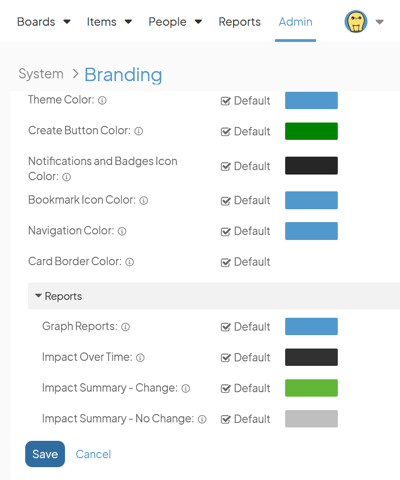
Admin areas once limited to KaiNexus staff are now open to your Quality and System Admins. This includes Languages, Branding, Currencies, Impact and Investment Types, and No Change Reasons. Make these changes yourself, with every update tracked in the Admin Timeline.
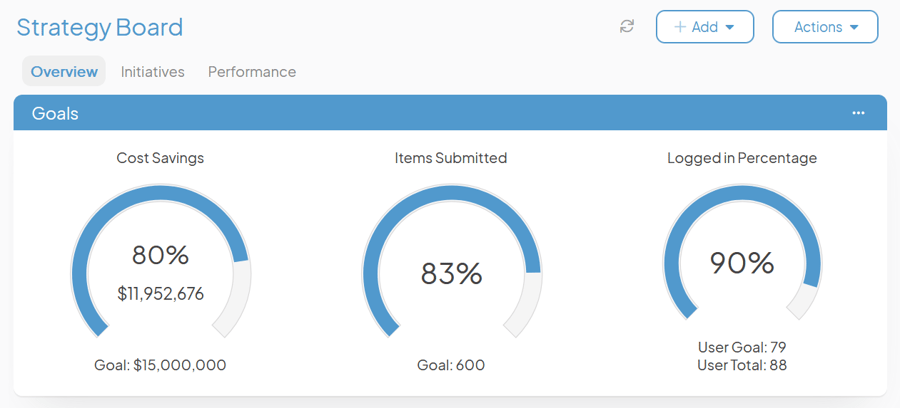
Organize More on Every Board with Board Tabs
Boards can now hold up to five tabs, each with its own layout and Cards, so you can organize more without adding Boards. A Huddle Board, for example, can hold tabs for Items, Metrics, Kudos, and Announcements, all in one place.
Show the Right Fields in the Right Places with Location-Based Conditional Logic
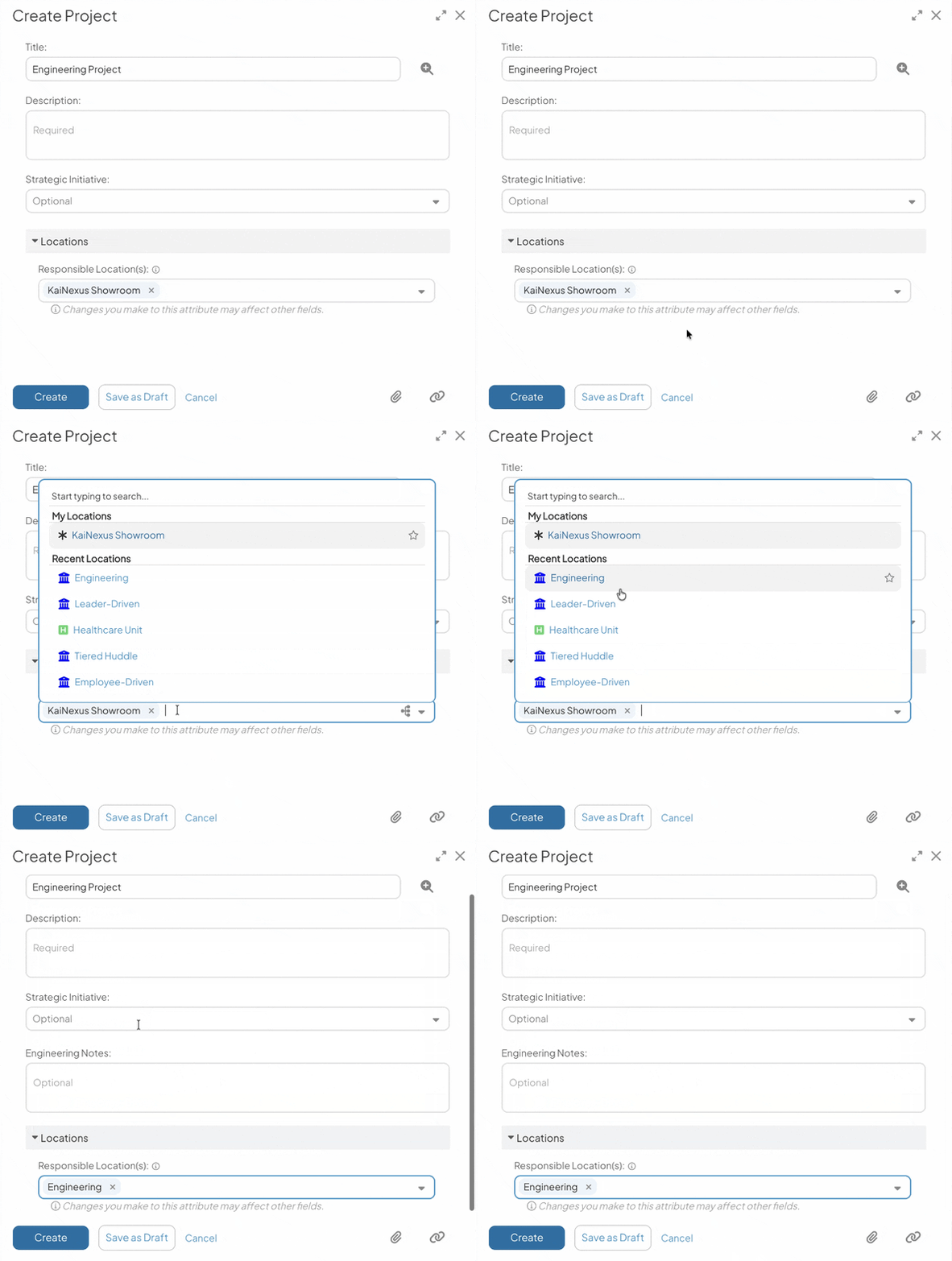
Fields, Attributes, Tabs, and Panels can now be shown or hidden based on an Item's Location. Tailor one Template per Location instead of maintaining near-identical Templates for similar work.
Give Uploads a Structured Home with File Fields
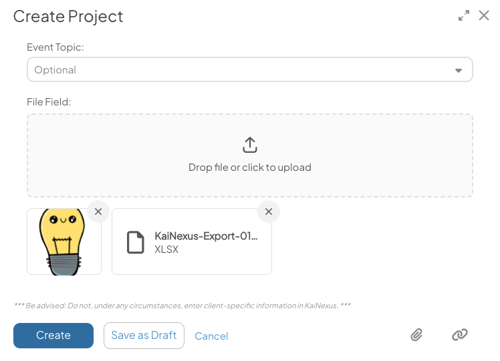
A new File Field type gives file uploads a dedicated spot on your Templates. Require attachments at specific lifecycle stages and make them conditionally available, so your team always knows where to add files.
Spend Less Time Filtering with Capacity Planning Enhancements
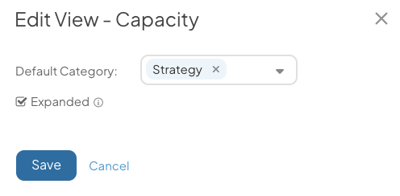
Capacity Views for Item Lists and User Schedules used to default to the first Category every time, forcing a manual reset if your team tracks capacity differently. Set your own default Category, control whether child Items expand by default in Capacity View Lists, and pull Capacity Commitment data via the JSON API for your own reporting.
An overview and complete release notes are available and can be found at support.kainexus.com under "KaiNexus Updates" after the release goes live. In the meantime, if you have any questions or need assistance with configuring these new features, be sure to reach out to your KaiNexus Customer Success Manager. Thank you to our customers whose feedback made these improvements possible!



.svg)



Add a Comment