
KaiNexus 3.3.4 takes manual busywork off your plate. Goals now calculate and combine themselves instead of requiring manual entry, and Goal Widgets are easier to scan. We’ve also made Admin settings easier to find for a more streamlined user experience.
KaiNexus' latest release, 3.3.4, was released on Saturday, August 22nd.
Here are some of our favorite new features and enhancements from this release:
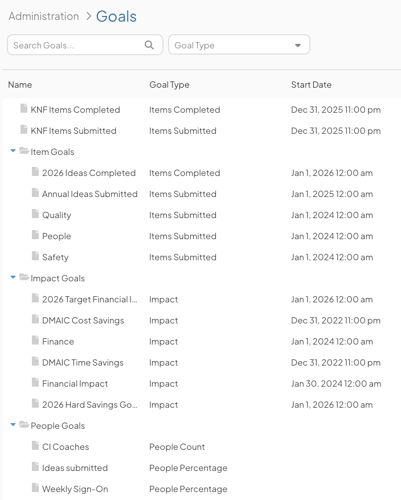
Goals Just Got Smarter
KaiNexus now calculates rollup totals automatically, aggregates them across multiple Locations, and lets you organize them into folders, so your numbers stay accurate without the manual math. Because the totals recalculate as the Goals beneath them change, what leadership sees on a Board matches what teams are working toward, with no reconciliation step in between.
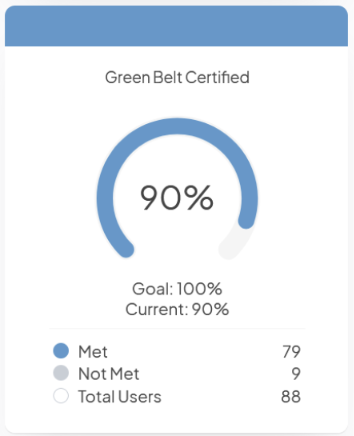
See Your Goal Widgets More Clearly
Goal Widgets now have a cleaner, more streamlined design that's easier to scan. People Percentage Goal Widgets let you open the list behind the numbers to see who met the goal, who didn't, and who's included in the total. When someone questions a figure, you can answer on the spot rather than promising to look into it later.
Get More Out of Your Charts
We’ve made several important updates to Charts. You can: choose how dates display without giving up date filtering, copy a Chart without bringing its old data along, see how many Charts share a Data Series and jump straight to each one, and read a Chart's latest value right from an Item List.
All these updates mean less time spent building and maintaining your Charts, and less digging to find the number you came for.
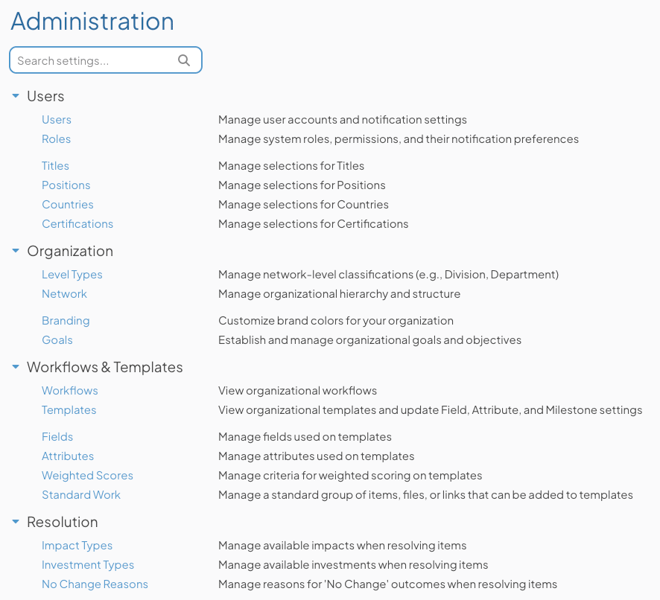
Find and Customize Settings Faster
The Admin section has a cleaner layout and a new search box to help you jump straight to a setting. As more options become customer-facing, search scales in a way that a long list can't. The Templates page also lets you view and make certain changes to a Template's Fields, Attributes, and Milestones directly from Admin, putting those decisions in the hands of the people who know your workflows best.
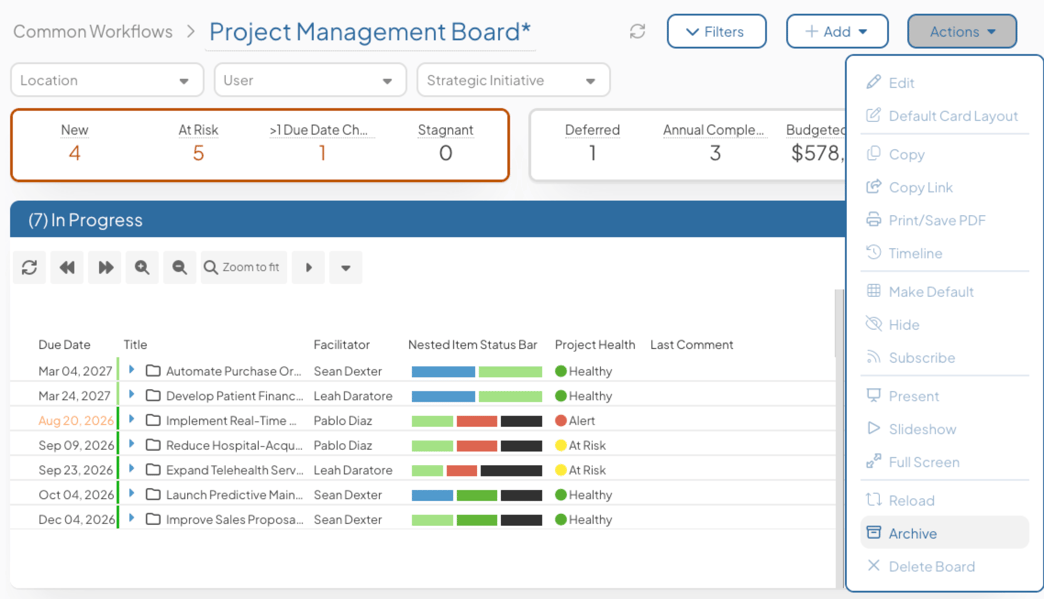
Archive Boards You've Outgrown
Archive a Board to remove it from the navigation while keeping it searchable and available for later restoration. Archived Boards can't be edited, and their subscription emails pause automatically. The average user feels the difference most, landing in a workspace that shows the Boards their teams actually use rather than years of accumulated history.
Filter by Any Date Type with One Flexible Filter
A new Date Quick Filter lets you choose which date type to filter by, such as Completed, Start, or Due, from a single filter, and the Item Filter now supports the same criteria when building rules. That means you can change the question you're asking mid-conversation, moving from due dates to completion dates without rebuilding the Board around it.
Manage File Attachments Through the API
Retrieve file metadata with the JSON Item API, or use the new itemFile endpoint to download files from or upload files to Items, so your team can manage attachments programmatically. Evidence and documentation land with the record rather than trailing behind it.
You can learn more about the 3.3.4 release on our support site. Thank you to our customers whose feedback made these improvements possible!



.svg)



Add a Comment